Press kit. Hushpen, in one page.
Free, open source dictation for Mac, Windows, Linux, iPhone and iPad. Use any file on this page, with credit to Hushpen. Every screenshot is a real capture of the app.
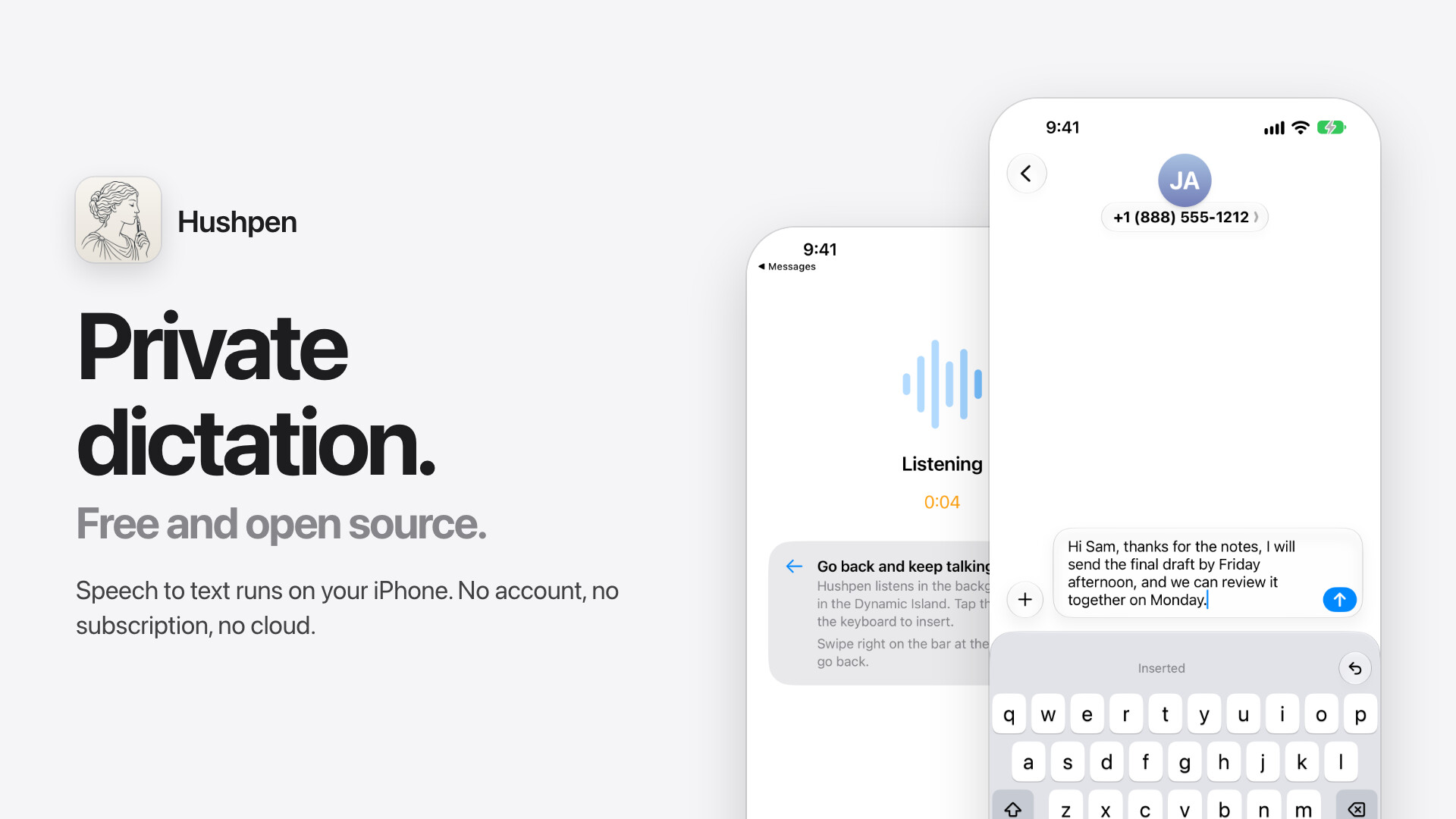
Facts
- Name
- Hushpen
- What it is
- Dictation: speech to text in any app
- Platforms
- Mac, Windows, Linux, iPhone, iPad
- Price
- Free. No subscription, no account.
- Privacy
- Speech runs on the device. No analytics, no cloud.
- Speech models
- Parakeet v3 and Whisper
- License
- AGPL-3.0-or-later, open source
- Made by
- Suraj Mandal
- Website
- hushpen.samhq.app
- Source and contact
- github.com/surajmandalcell/hushpen
Descriptions
One line
Hushpen is free, open source dictation for Mac, Windows, Linux, iPhone and iPad. Speech to text runs on your own device.
Short
Hushpen turns speech into clean text in any app. It works offline, because speech recognition runs on your own device and your voice never goes to a cloud service. It needs no account and no subscription. It is open source under AGPL-3.0-or-later and made by Suraj Mandal.
Long
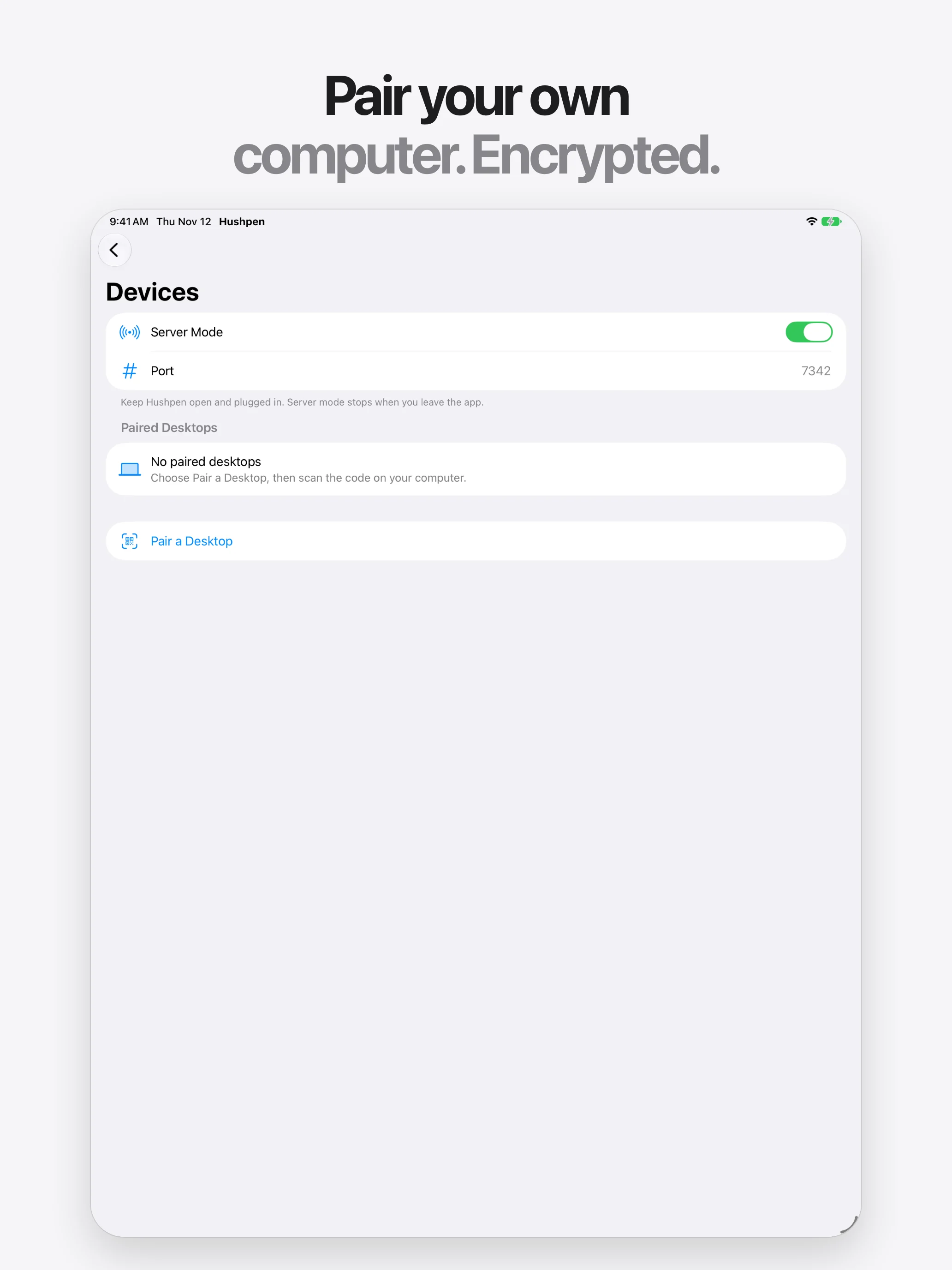
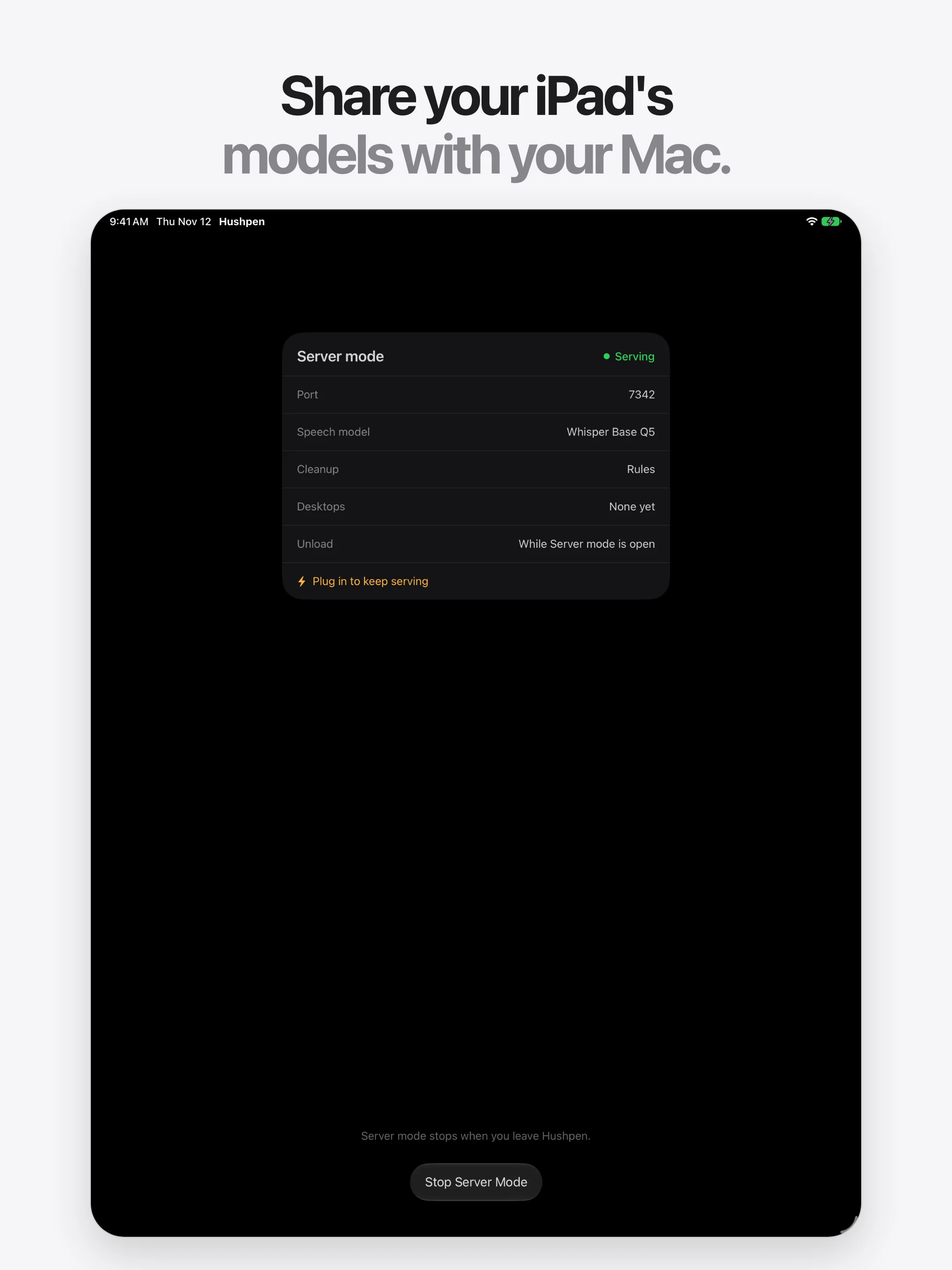
Hushpen is a dictation app. Press a shortcut on a computer, or tap the microphone key on the iPhone and iPad keyboard, talk, and Hushpen types clean text into the app you are using. It removes filler words, fixes capitals and spacing, and understands spoken punctuation. A personal dictionary teaches it your names and terms. Speech recognition runs on the device with Parakeet v3 and Whisper models, so Hushpen works offline and your voice stays on your own devices. There is no account, no analytics and no word limit. Your iPhone or iPad can also serve its models to your own computer over an encrypted local connection. Hushpen is free and open source under AGPL-3.0-or-later. It is made by Suraj Mandal.
Icon
A Roman statue in profile, eyes closed, whispers into an upright fountain pen. Ink on marble.
- App icon, full size PNG, 1024 by 1024, square
- App icon, medium PNG, 512 by 512, square
- App icon on its tile SVG, rounded tile with shadow
Feature images
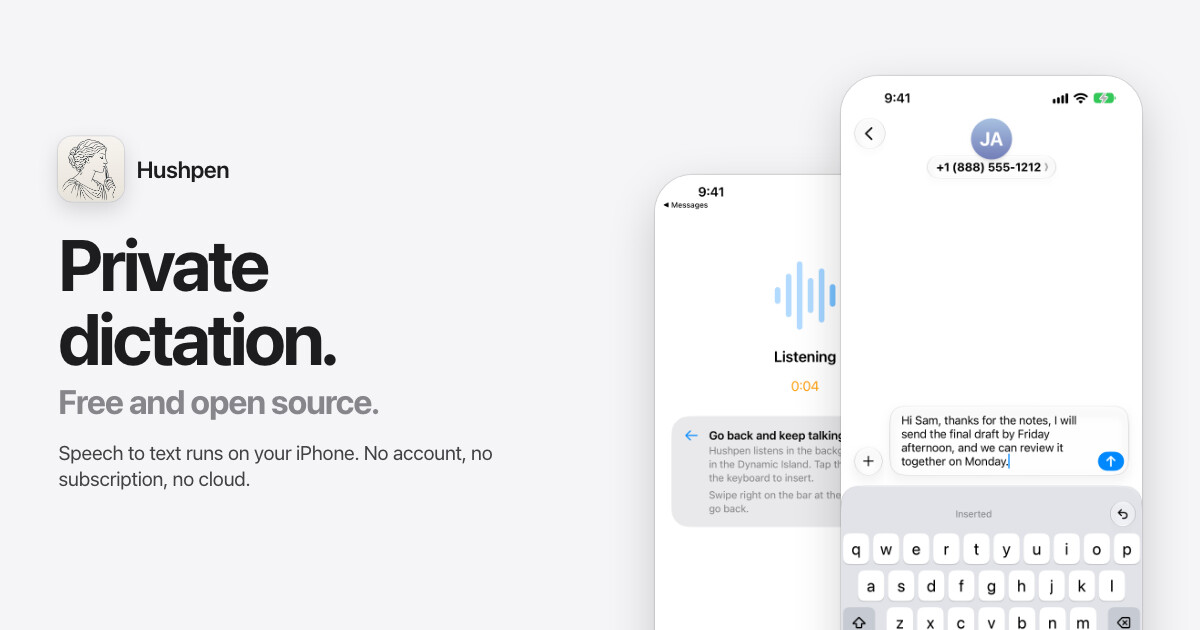
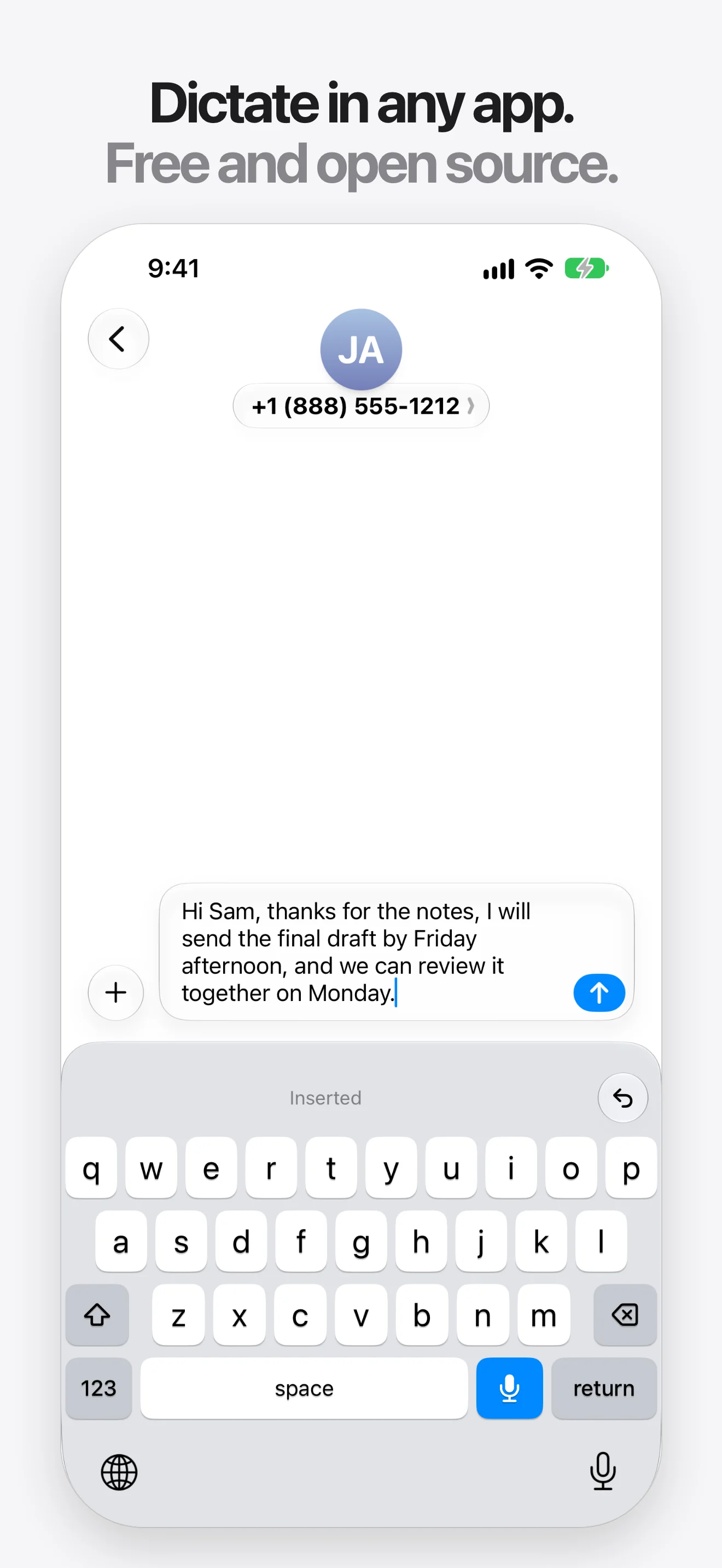
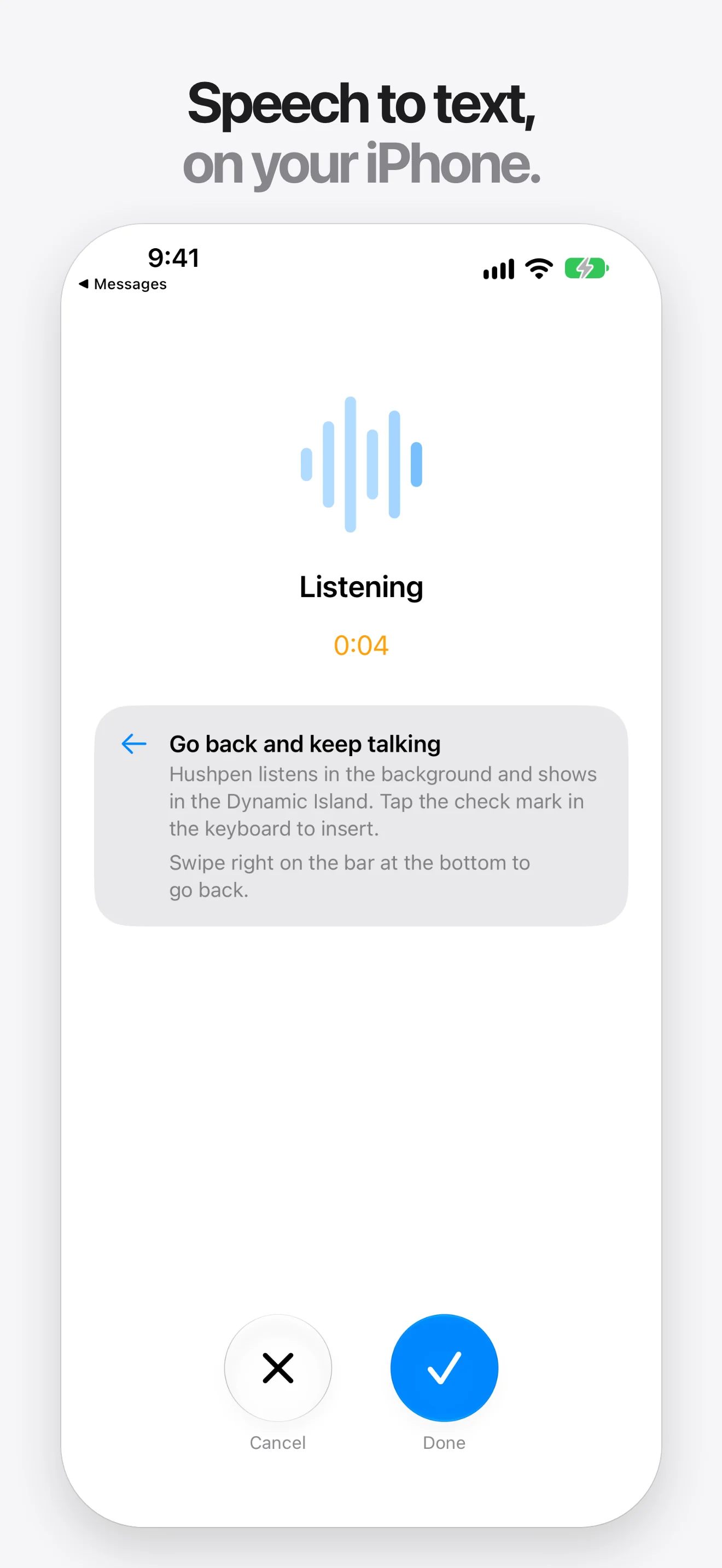
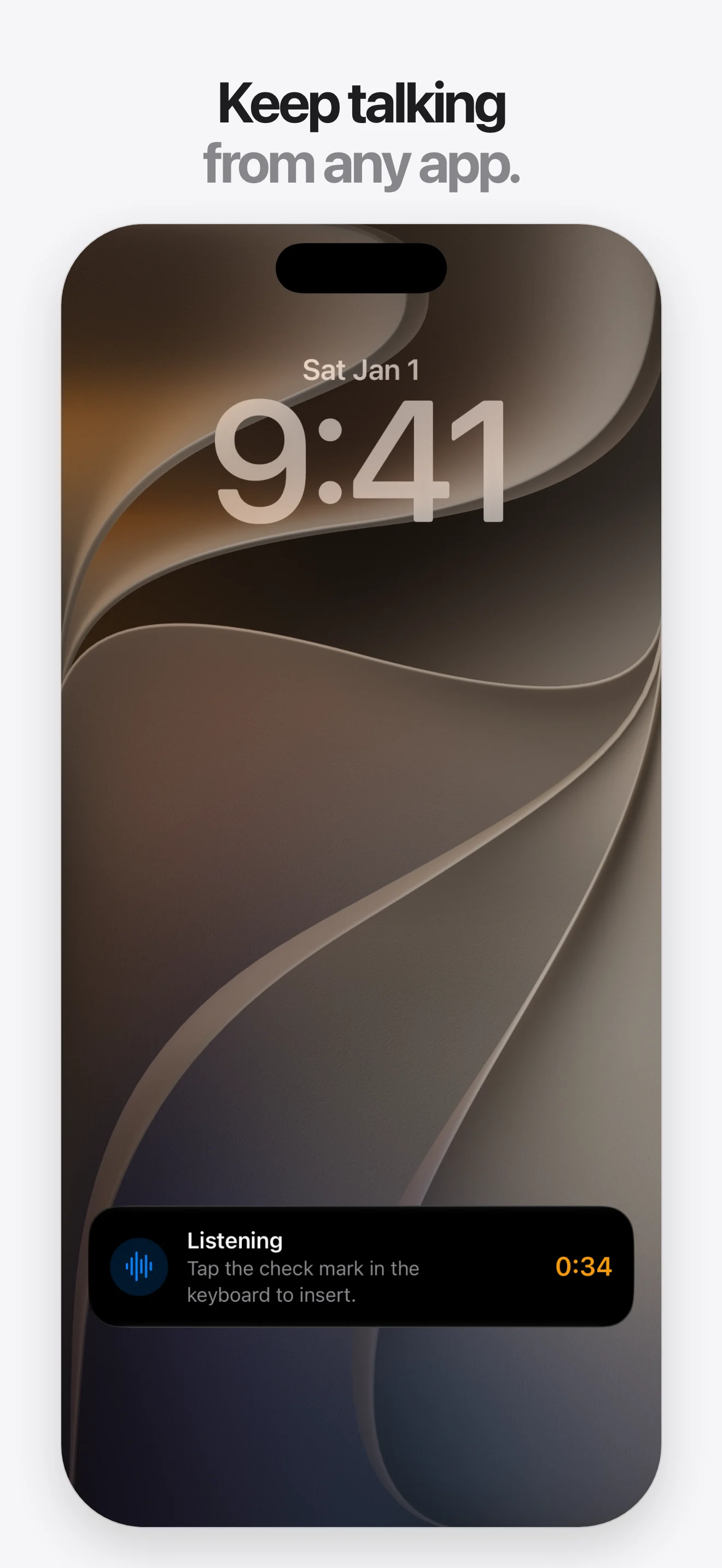
iPhone screenshots
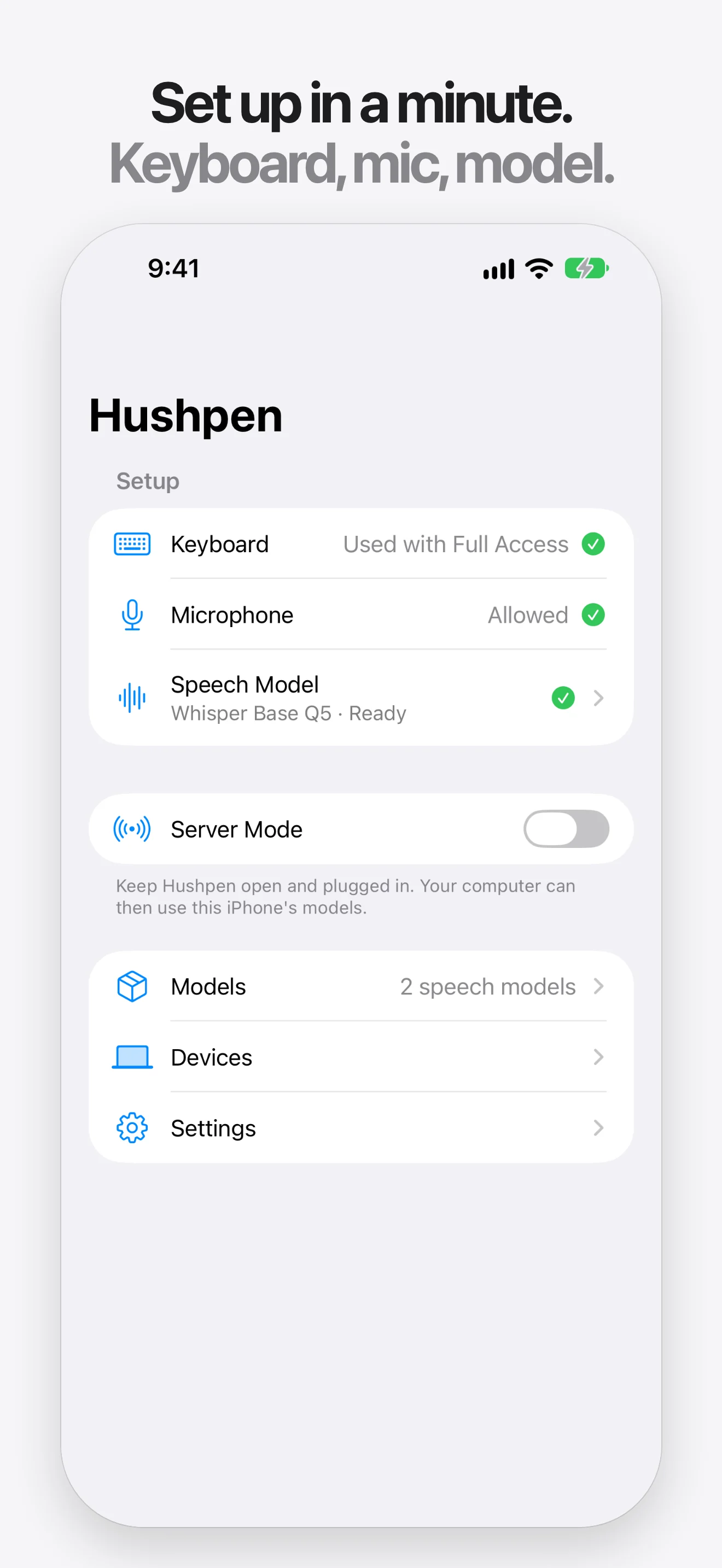
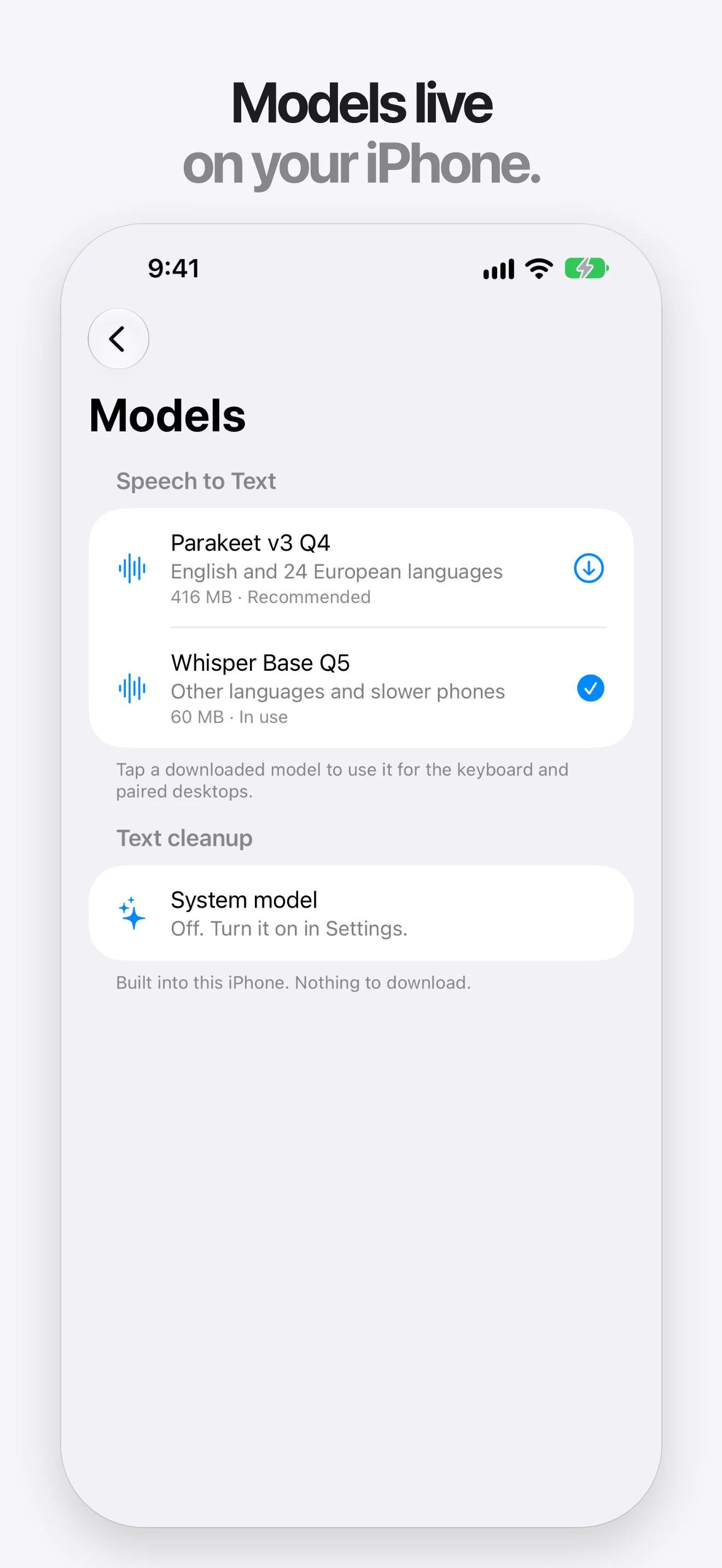
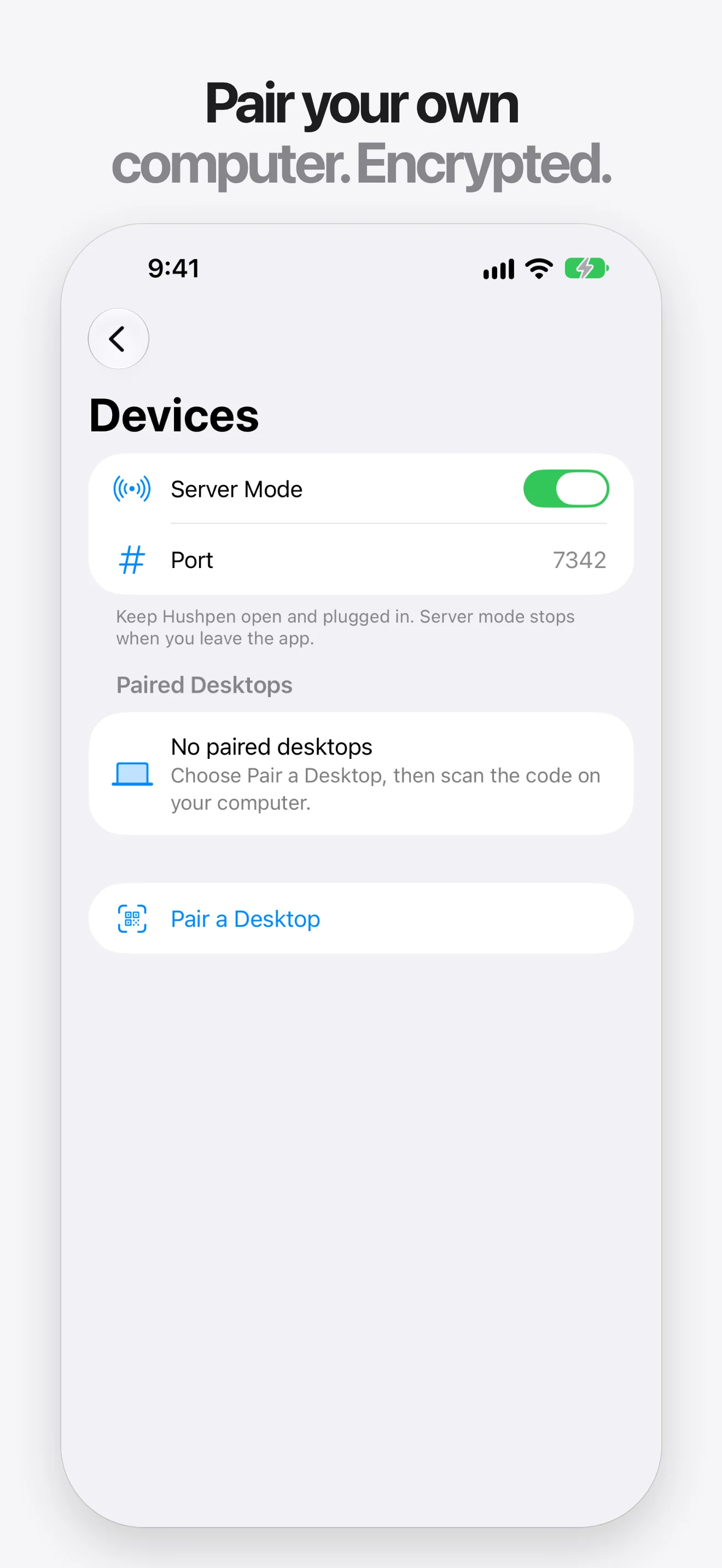
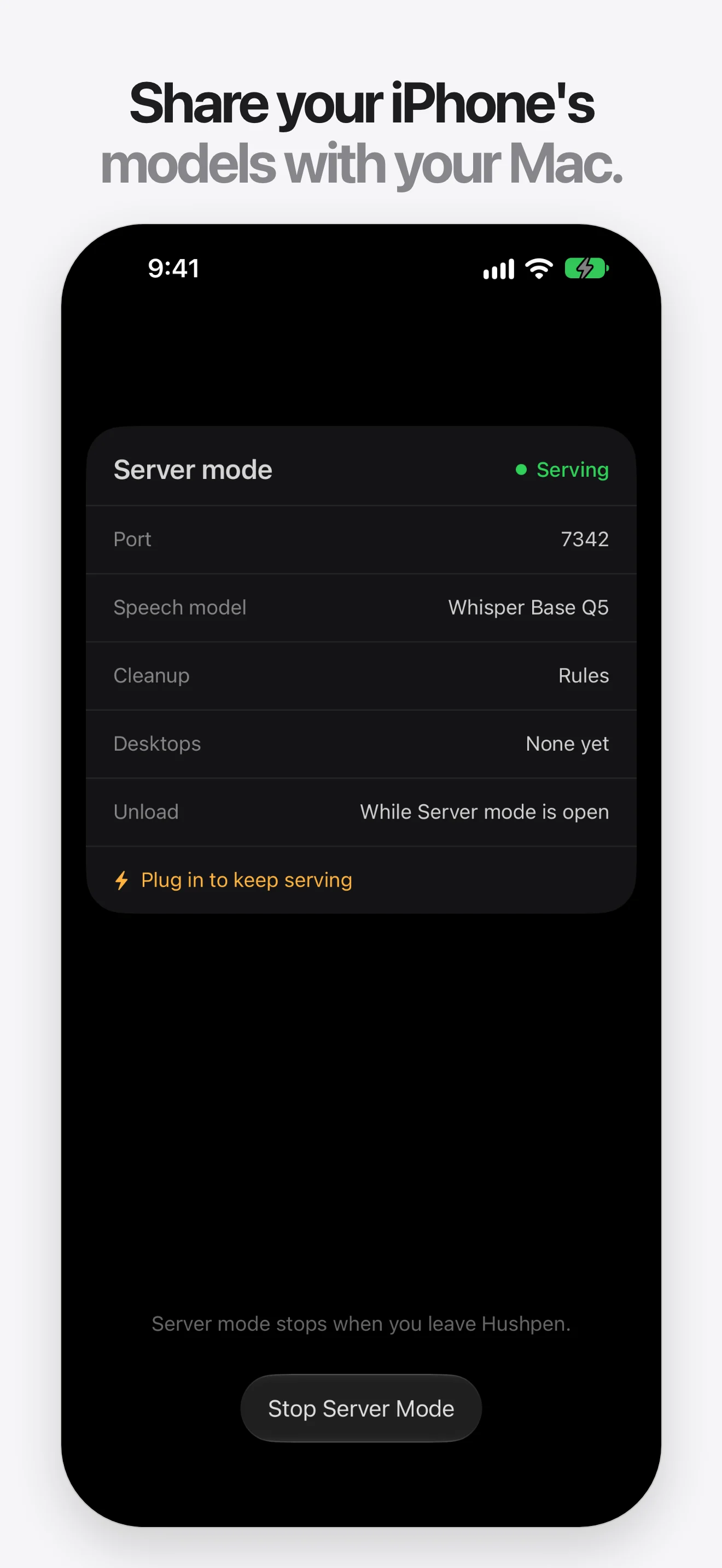
iPhone 6.9 inch, 1320 by 2868, WebP. Select a screenshot to open the full size.
iPad screenshots
iPad 13 inch, 2064 by 2752, WebP.
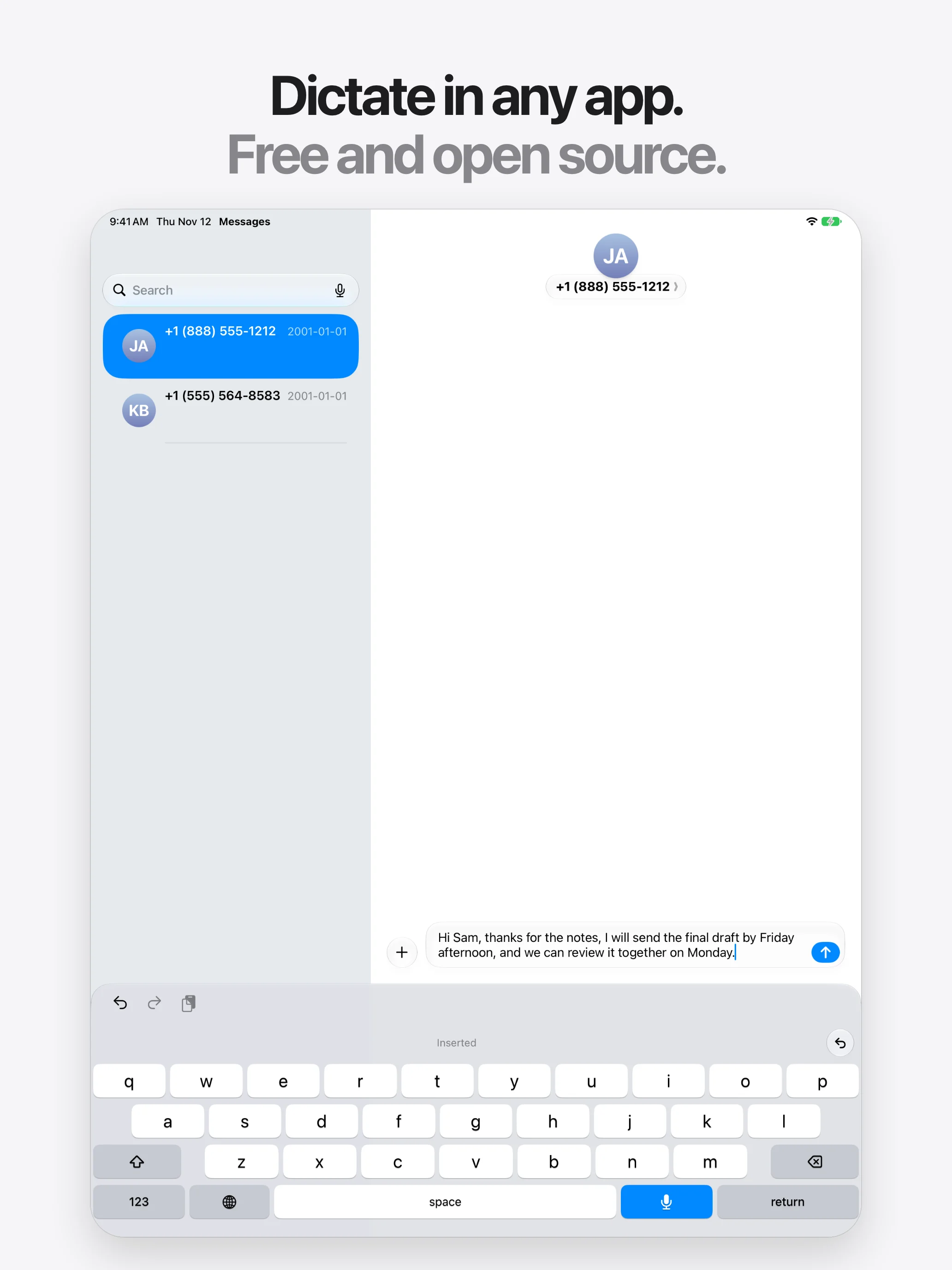
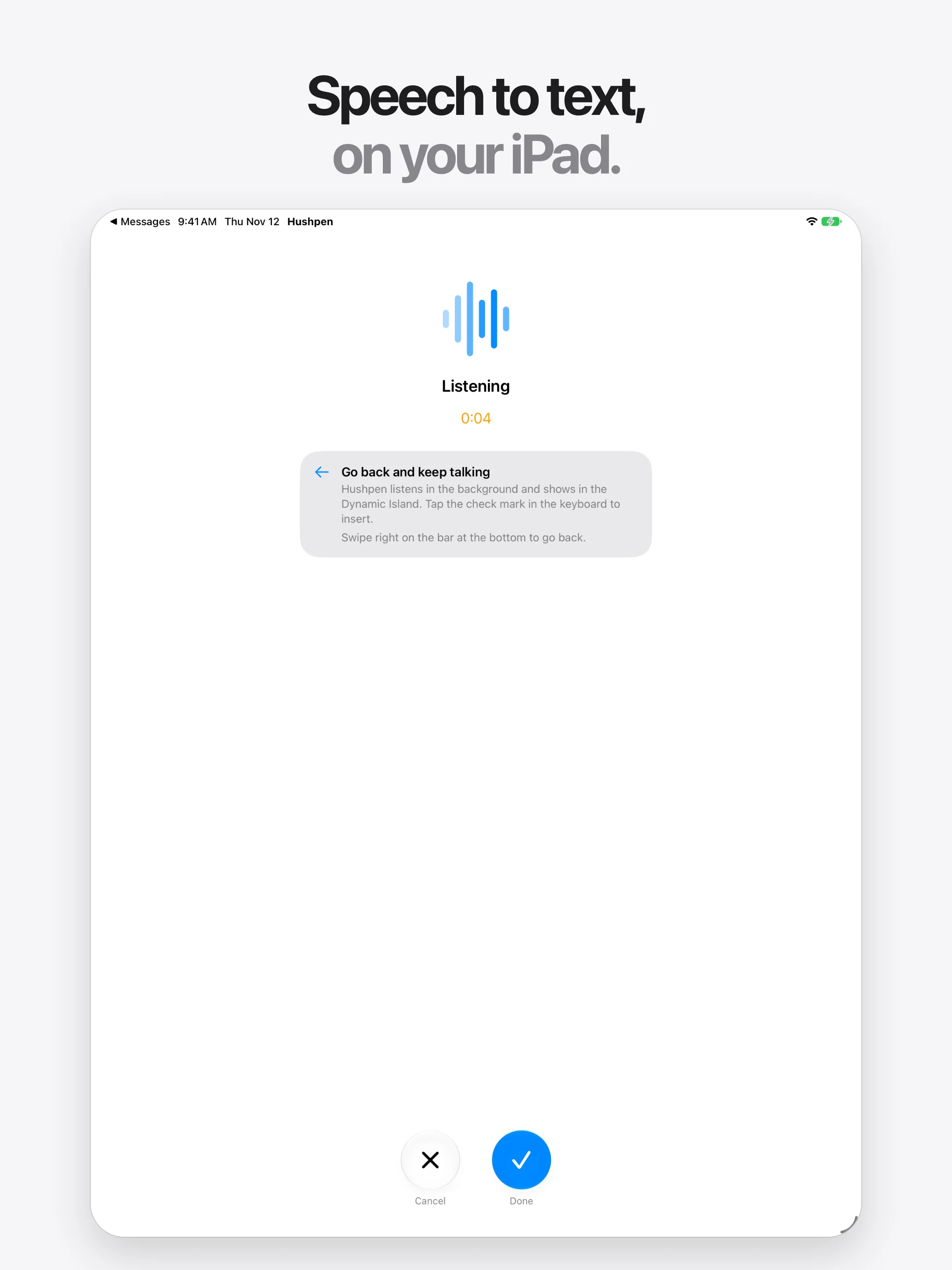
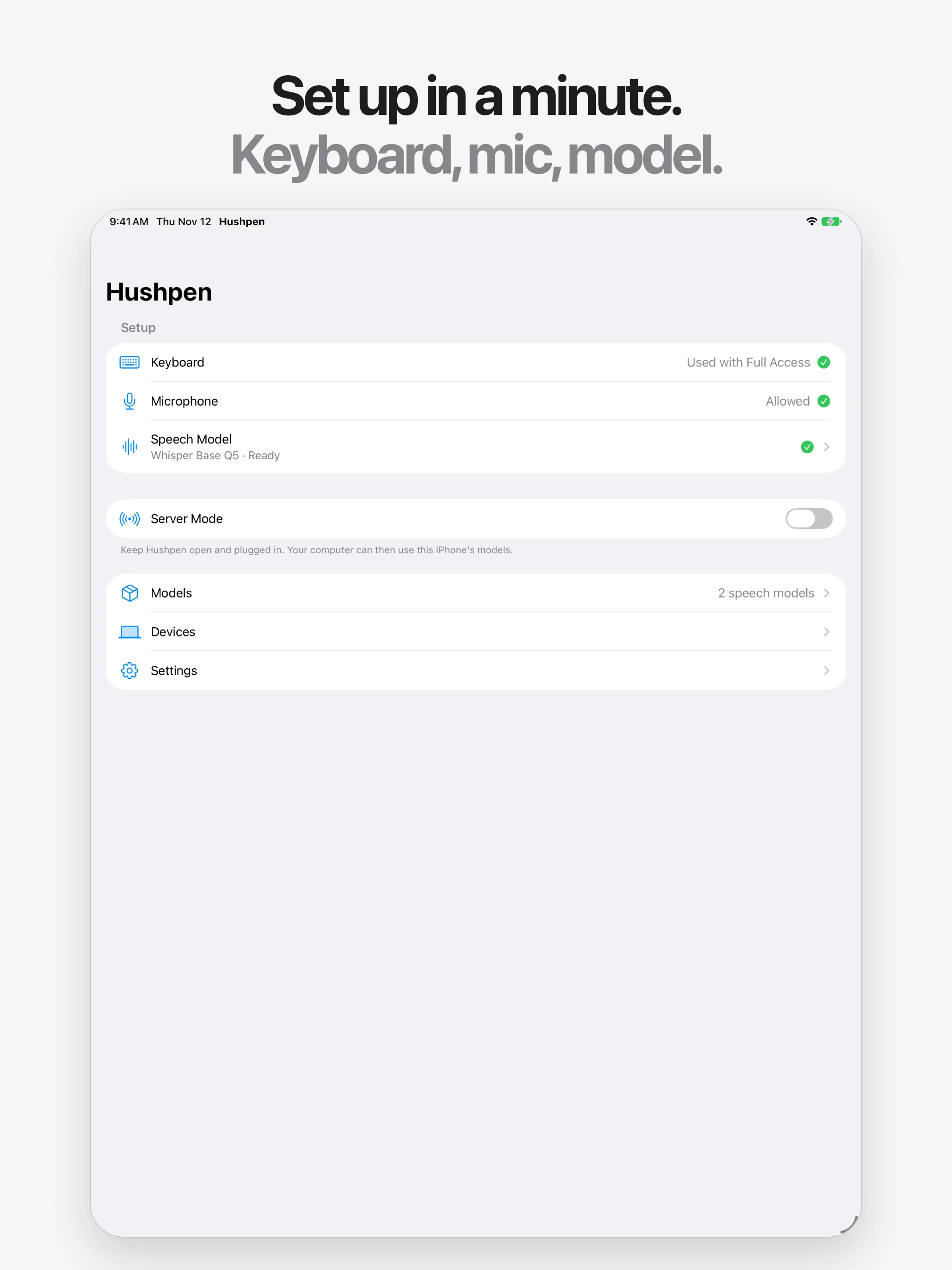
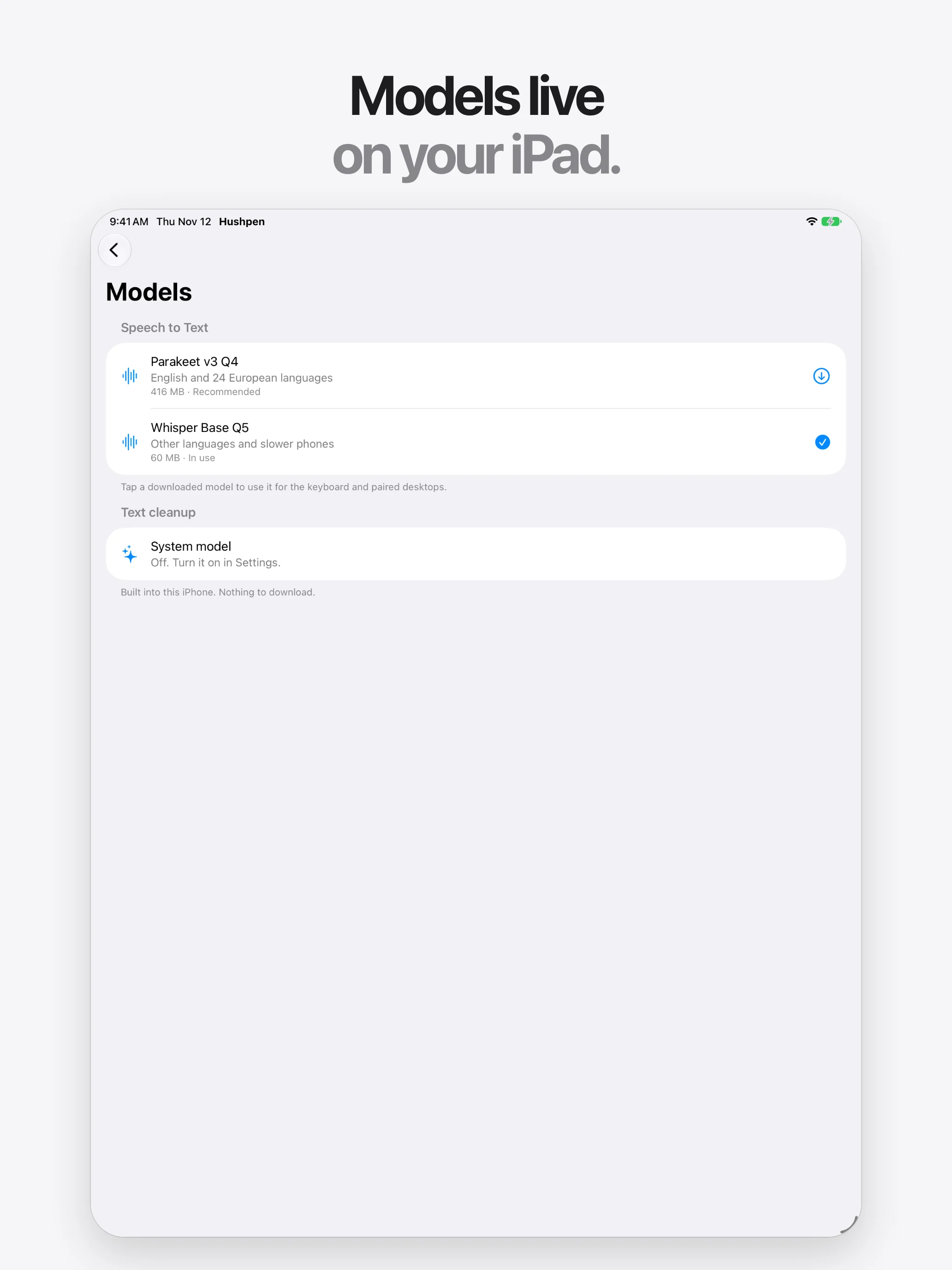
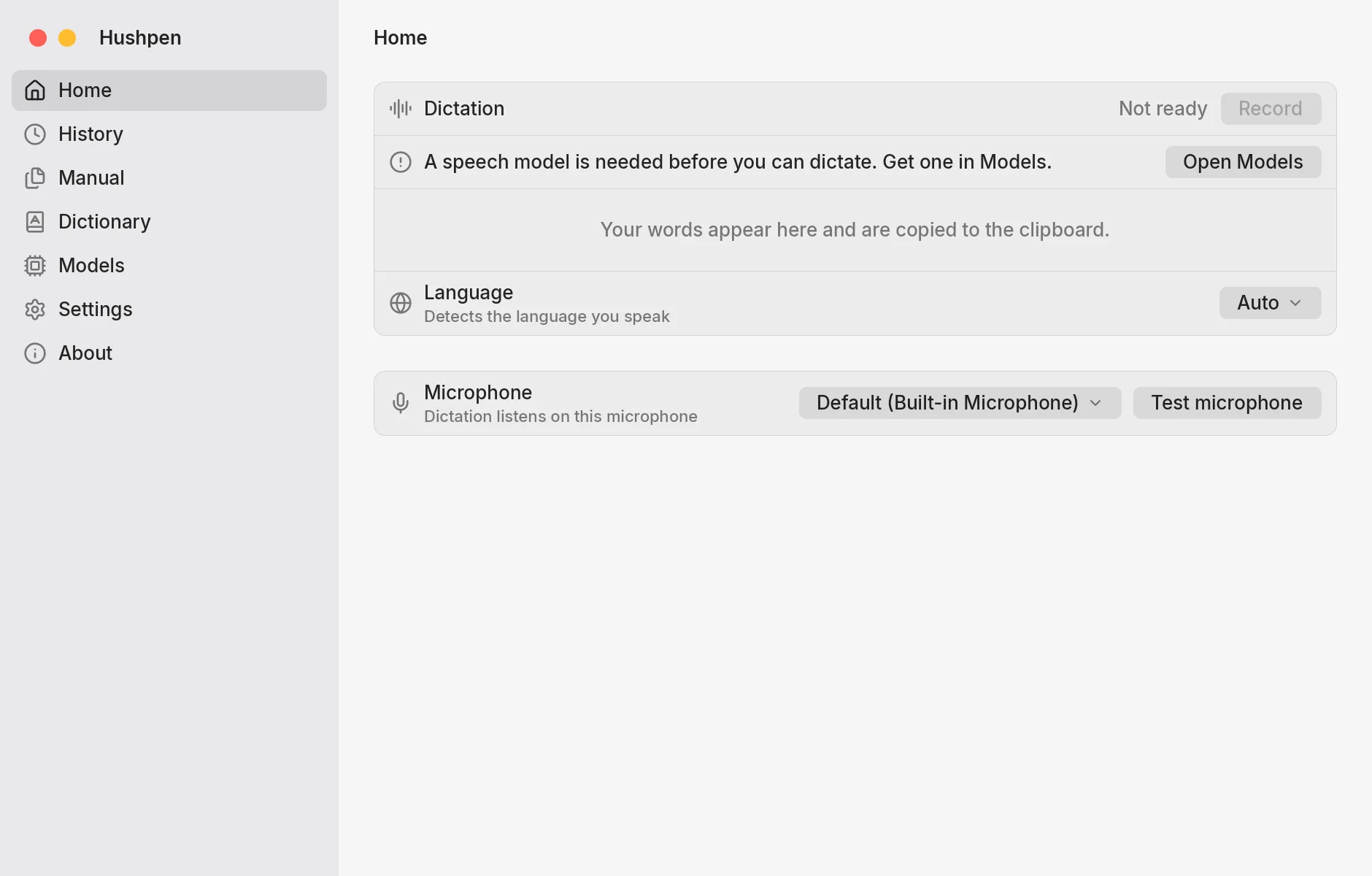
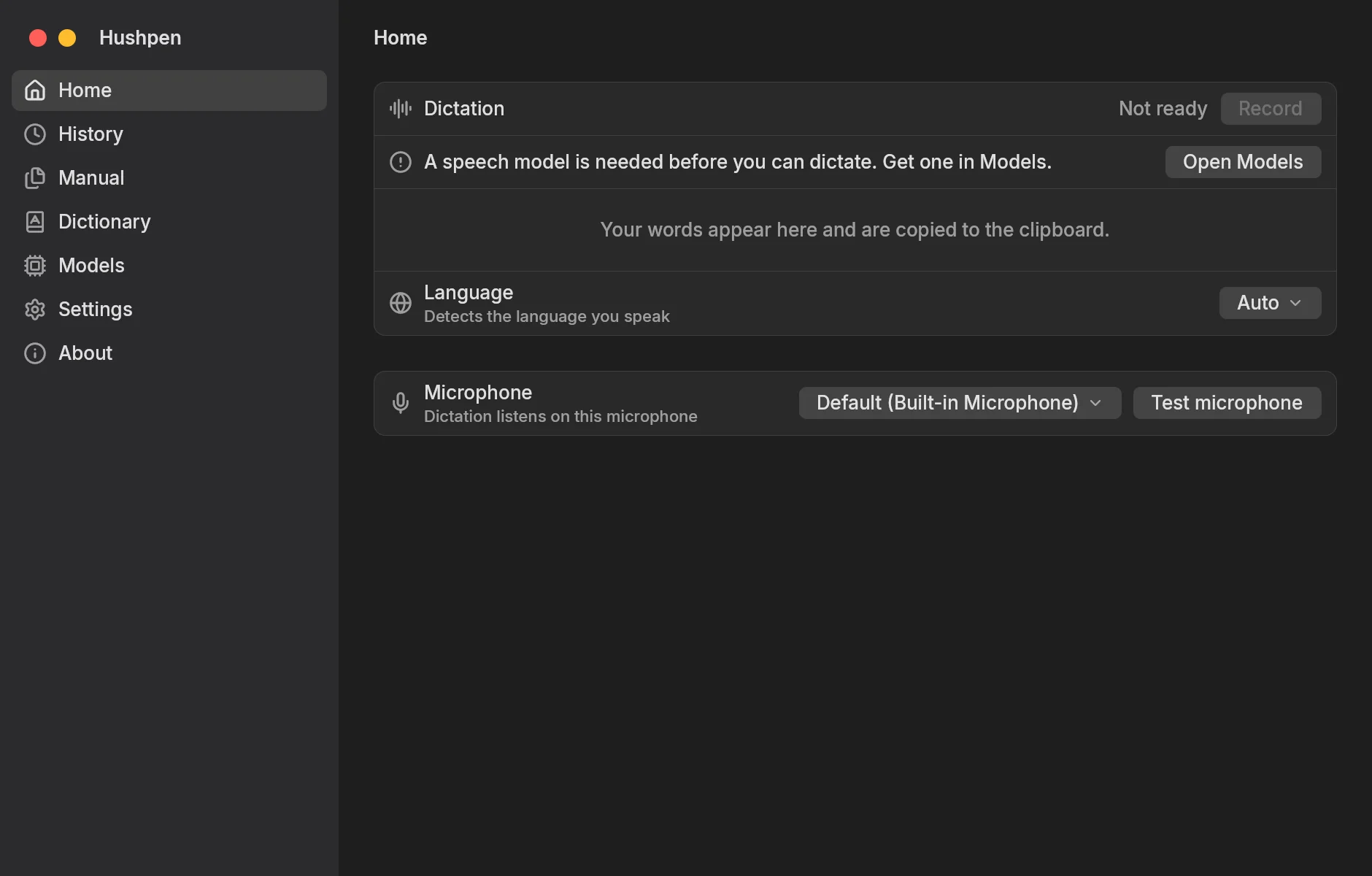
Mac, Windows and Linux screenshots
- Home, light WebP, 1880 by 1200
- Home, dark WebP, 1880 by 1200
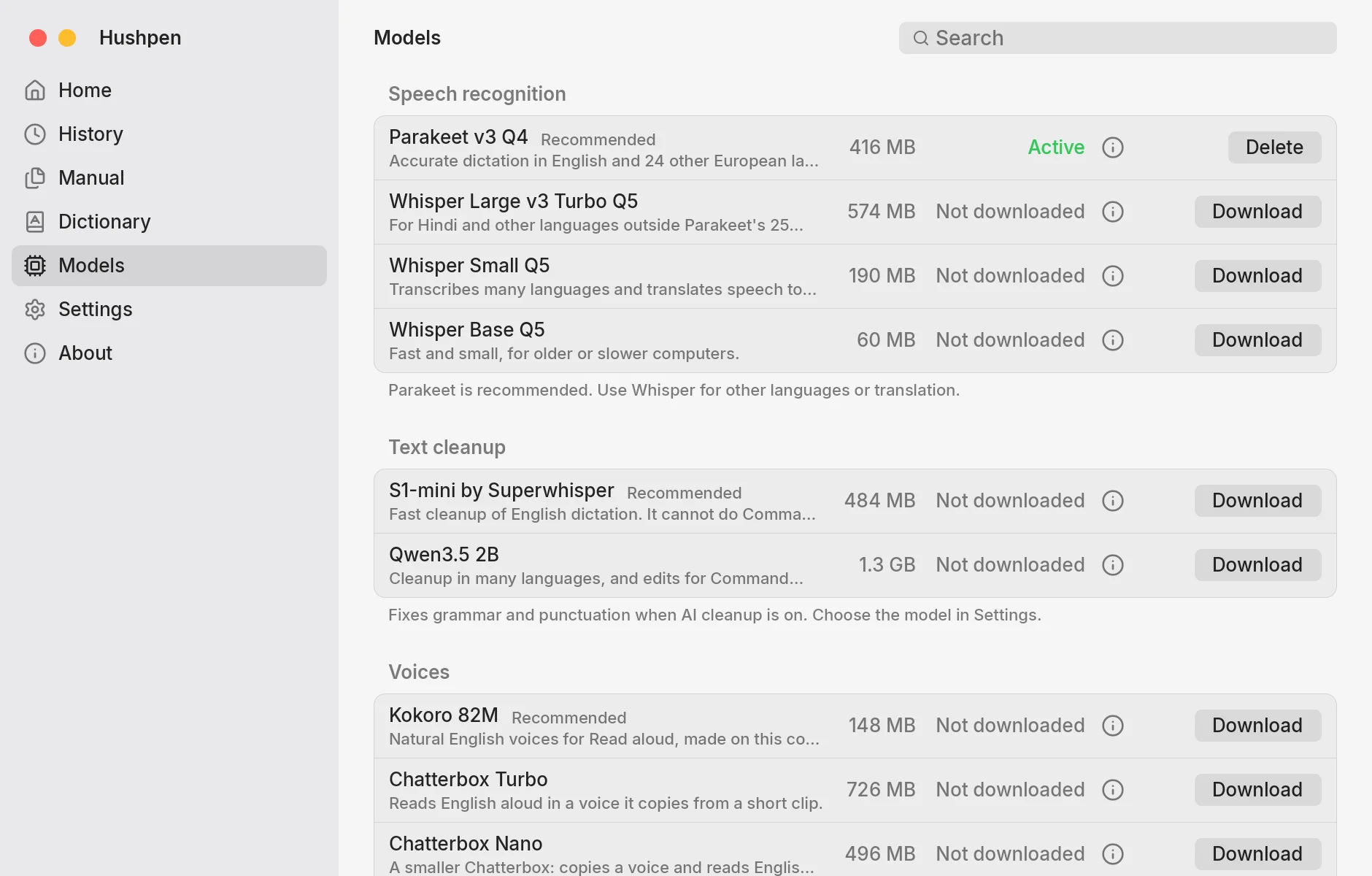
- Models, light WebP
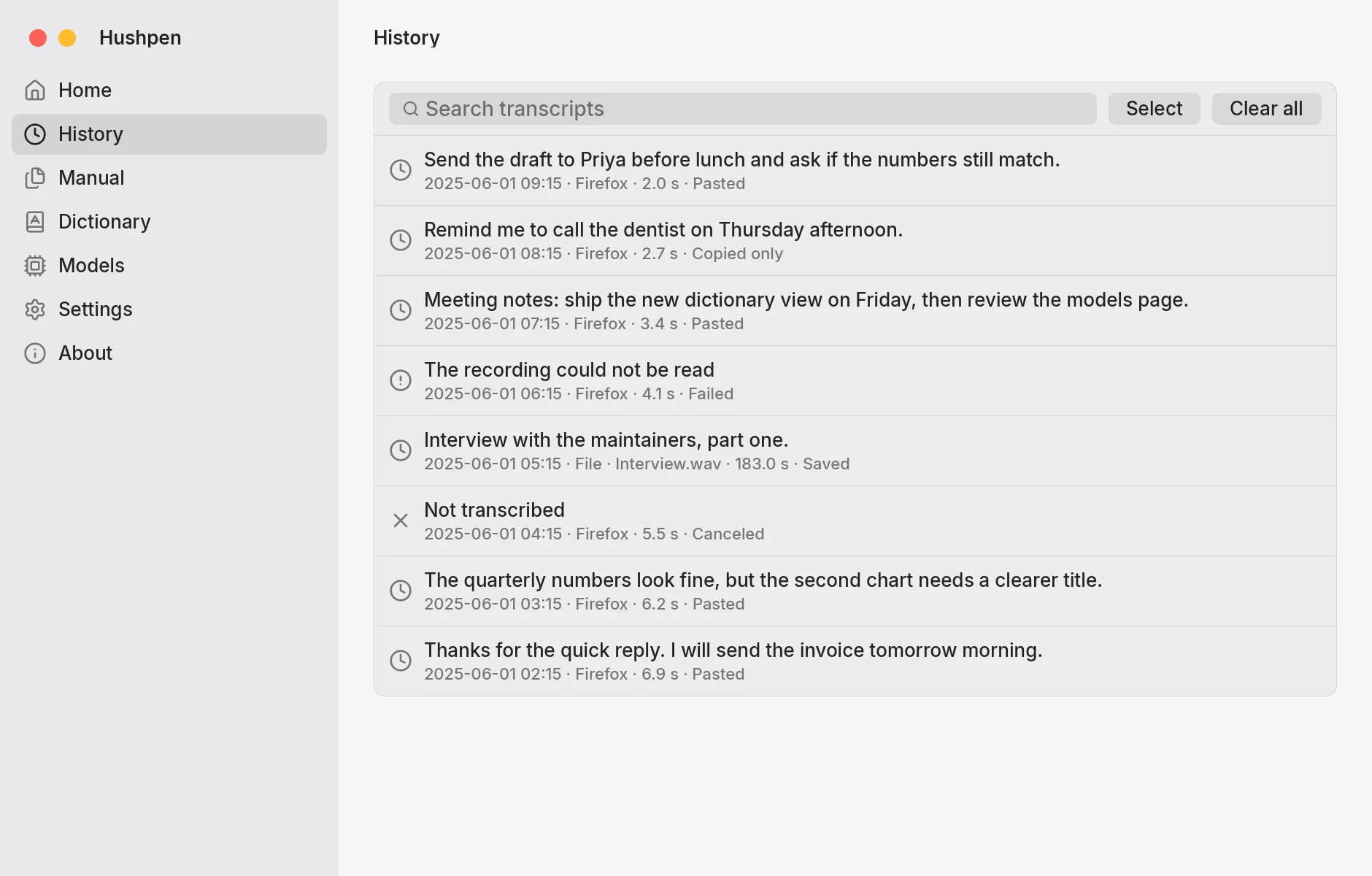
- History, light WebP
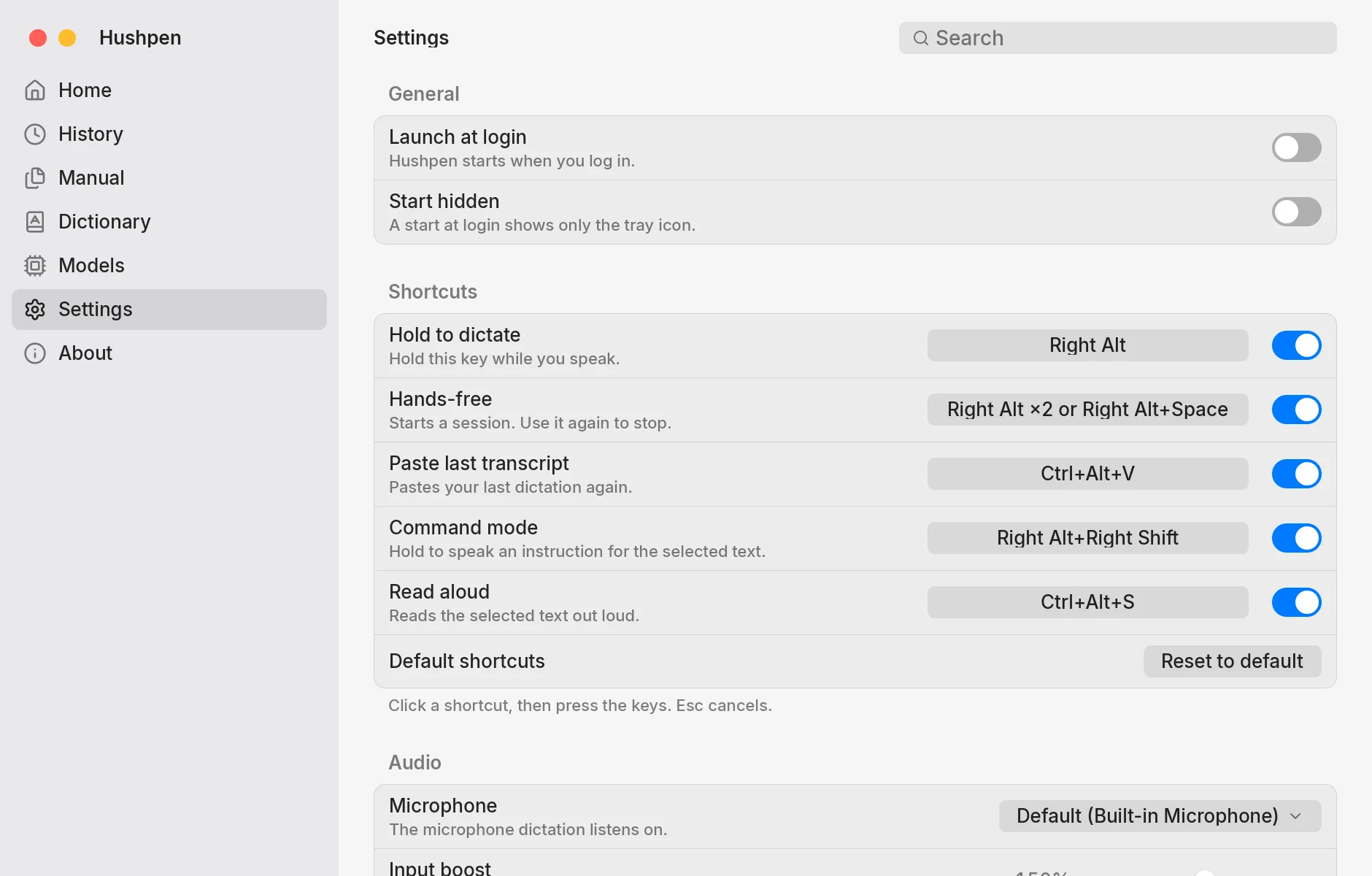
- Settings, light WebP
Contact
Questions from the press go to a GitHub issue, or to the author through mandalsuraj.com.
© 2026 Suraj Mandal